Opens the upgrade dialog, allowing you to update the selected project to the latest supported version.
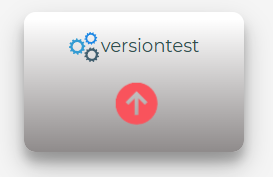
Follow the prompts to update your project to the latest version while keeping existing settings intact.
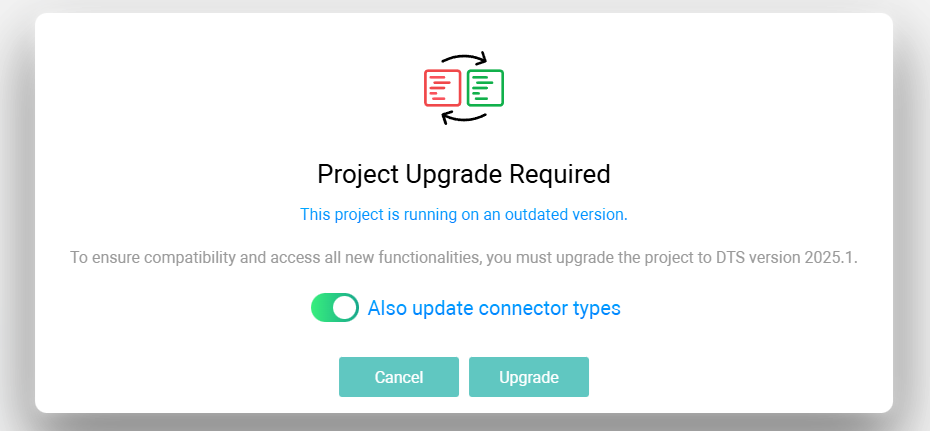
Use the “Also update connector types” toggle to upgrade all connector types associated with the selected project.
After a successful upgrade, you will be prompted with a confirmation message.
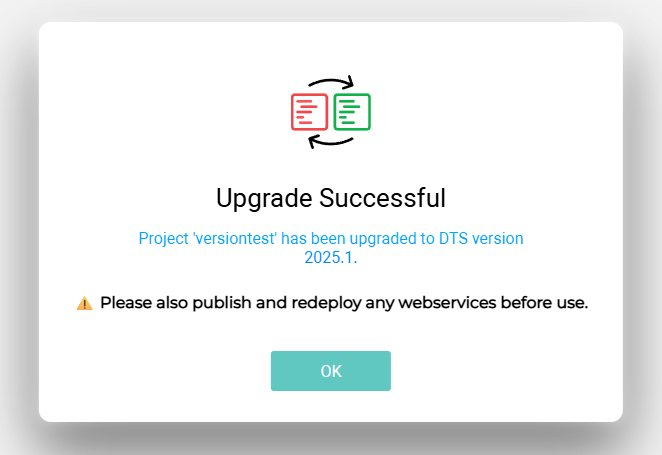
 • After upgrading a project, all associated webservices must be republished and redeployed to ensure they run correctly with the updated version;